From a Failed Inspection to a Clear Customer Decision
Follow one inspection finding through repair building, parts quoting, advisor review, and a clear decision in the customer portal.
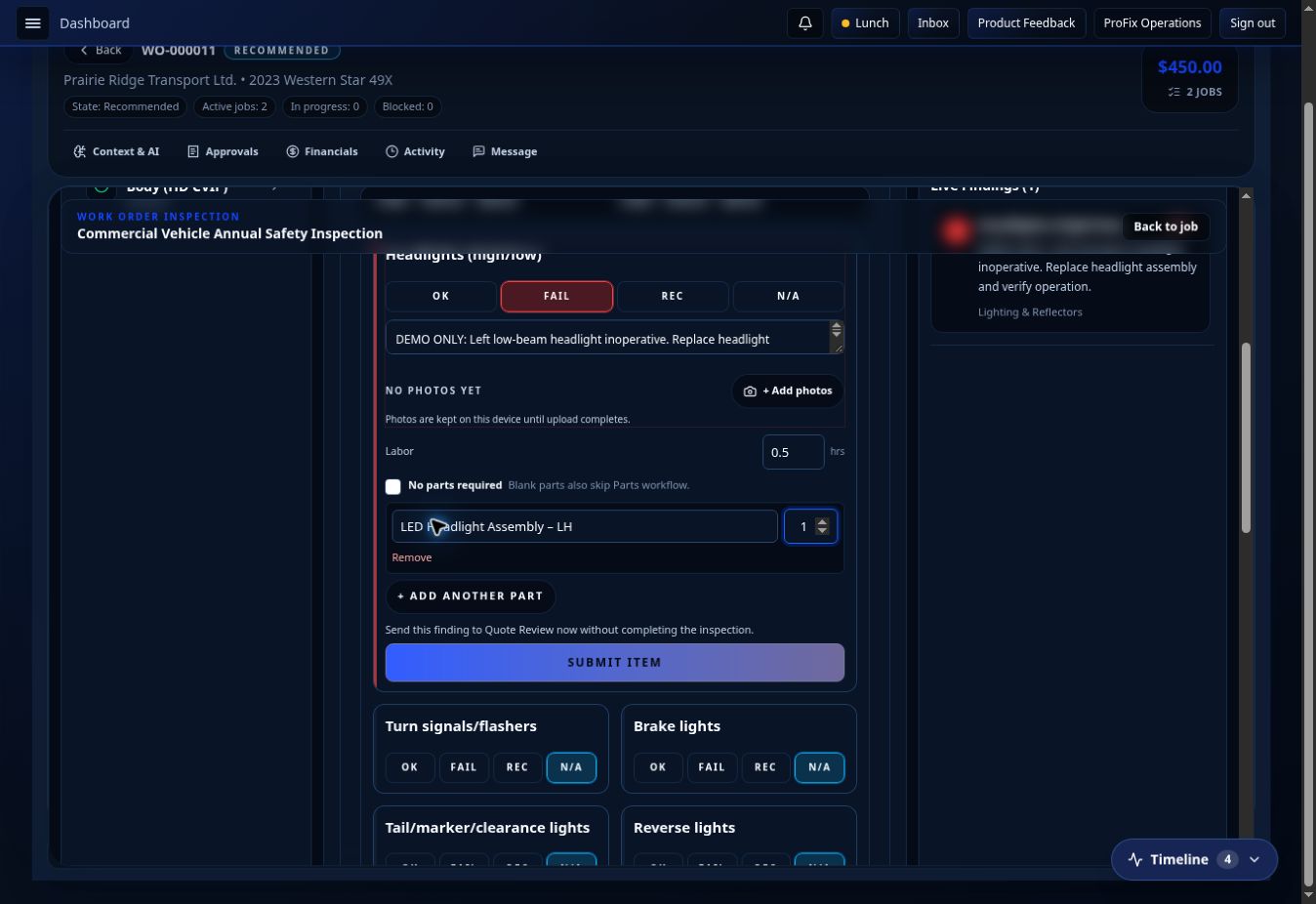
A technician finds a failed headlight during an inspection. That should be the start of the repair conversation, not another note somebody has to retype.
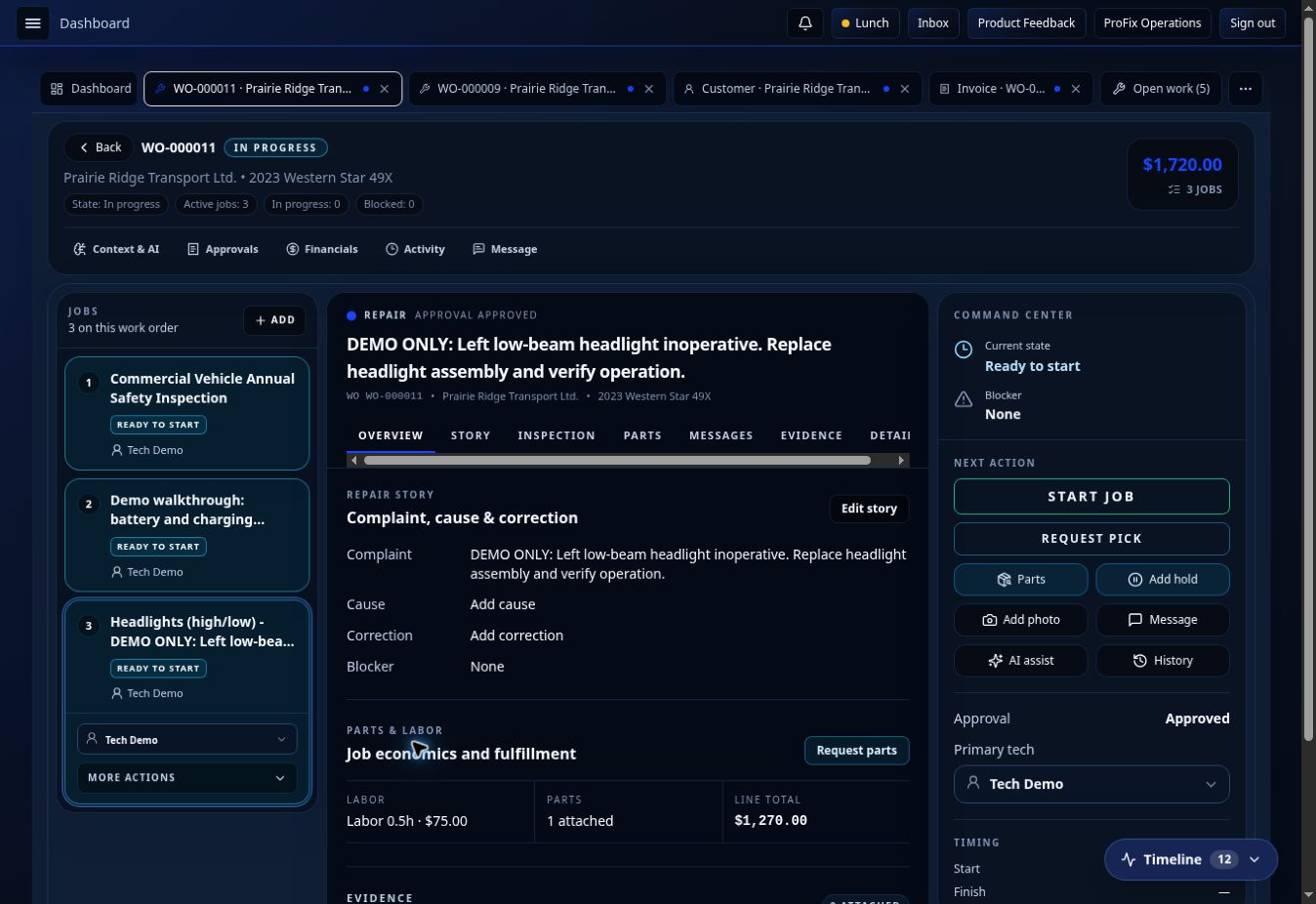
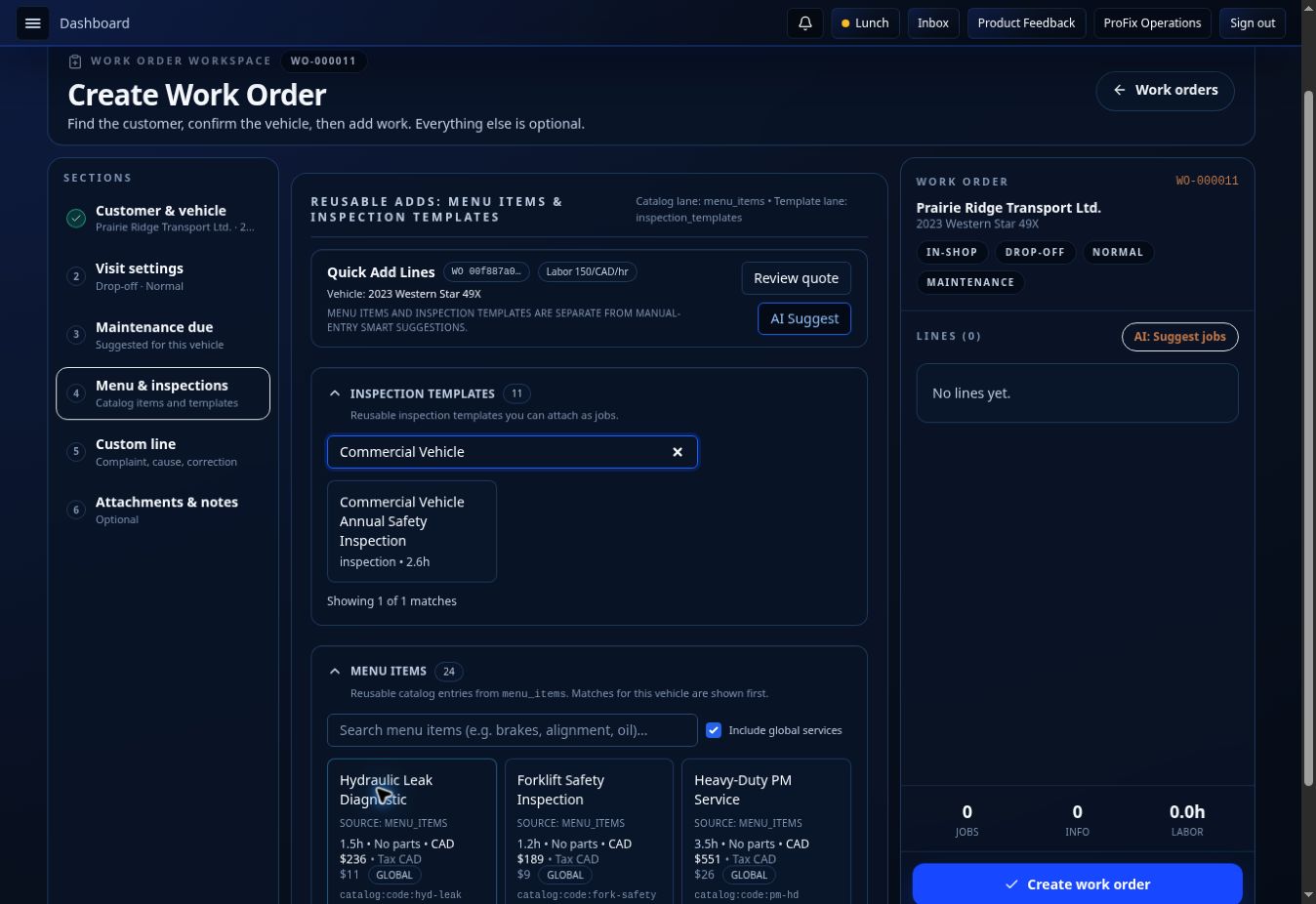
We ran this exact path in a ProFixIQ Shop demo with an existing fleet customer and a Western Star truck. The work order already had the customer and vehicle context. We attached the inspection, recorded the failed left headlight, and recommended the repair from that finding.
The finding stays with the job
The inspection carries the technician's observation into a repair recommendation. Parts can work from the same job to quote what is required, and the advisor can review the line before it goes to the customer. The repair, labor, part, and inspection context stay connected to the work order.
That matters in a busy shop. Nobody should have to ask the technician to explain the same failure again just to build an estimate.
The customer makes a clear choice
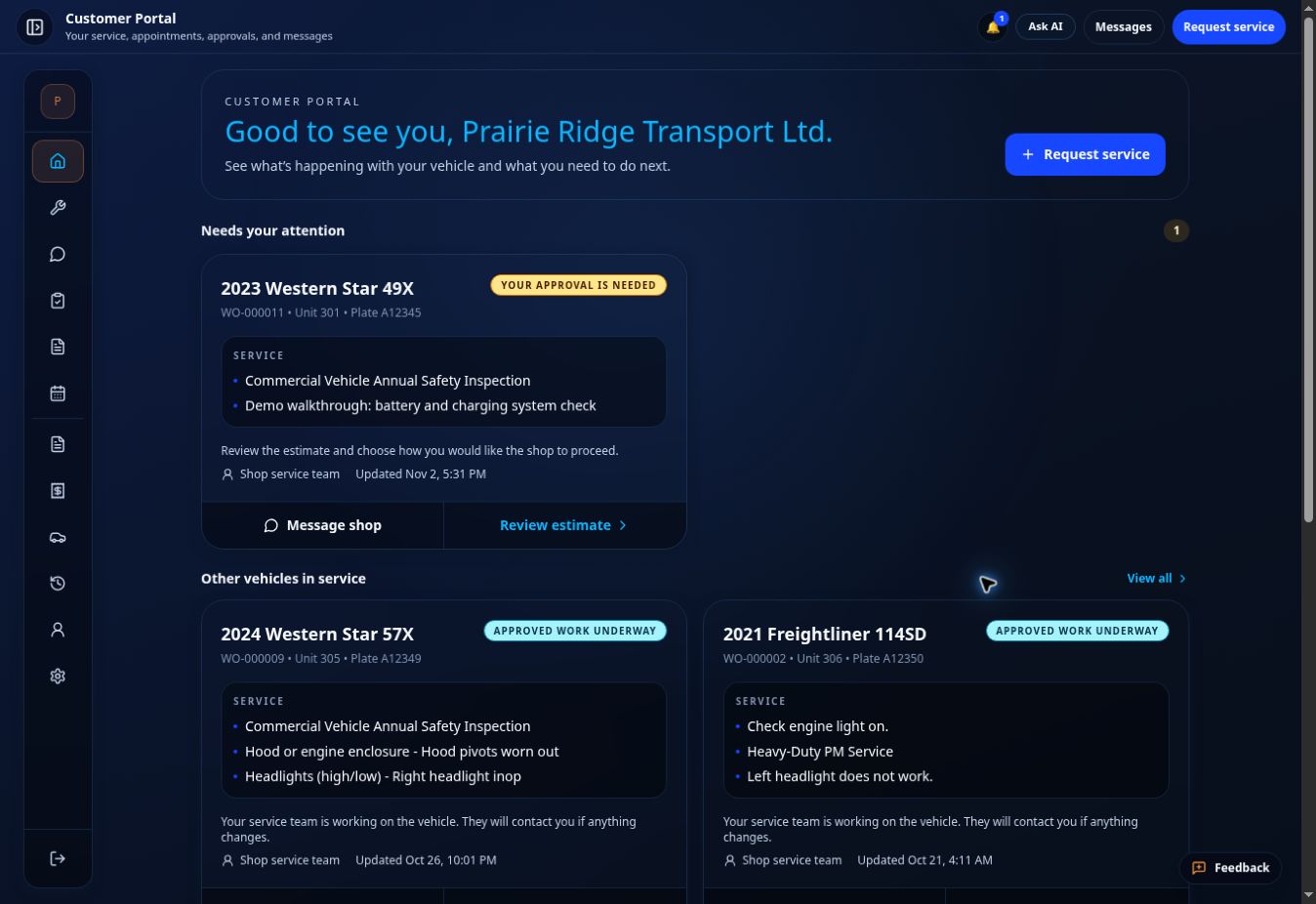
After the quote was reviewed and sent, it appeared in the customer portal as work needing a decision. The customer could open the estimate and choose what to approve, decline, or defer. In our demo, the needed headlight repair was approved, an optional work-light upgrade was declined, and preventive hood-pivot lubrication was deferred.
Those are three different decisions. The shop should be able to see each one without decoding a phone note or guessing what “okay to proceed” meant.
What moves next
Approved work becomes the work the shop can fulfill. Parts sees the request and the approved requirement. The technician can continue from the same work order after the part is picked and staged. Declined and deferred recommendations remain visible as decisions, but they do not become work to perform in this walkthrough.
The point isn't that an inspection has a checklist or that a portal has approval buttons. It's that the finding, quote, customer decision, parts handoff, and repair all refer to the same job.
This was a software walkthrough using demo records and illustrative pricing. No physical repair was performed.